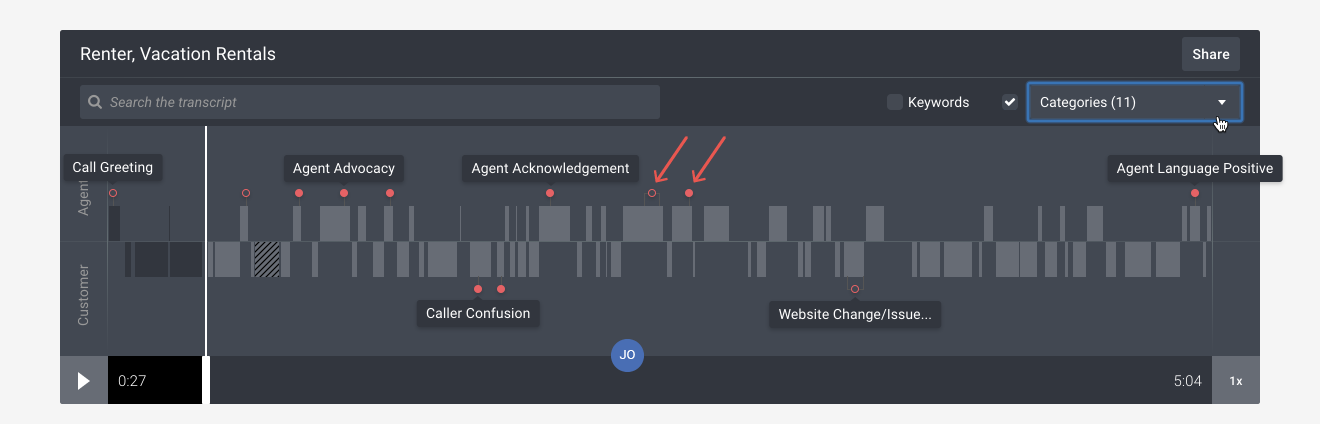
Filtering categories on an interaction's timeline
Only show specific categories on an interaction's timeline.
Getting started: If you’re not already viewing an interaction, first click on the interaction in Search & browse or from one of your Reports.
Filter categories on an interaction's timeline:
- Categories automatically appear on an interaction's timeline as red dots. A hollow red dot means that several categories are overlapping in that portion of an interaction.
- To hide specific categories, click the Categories drop-down and uncheck the categories you no longer want to see.
- To hide all categories, uncheck the check box to the left of the Categories drop-down.