Updating your user profile
Overview:
Update your user profile information.
Update your user profile:
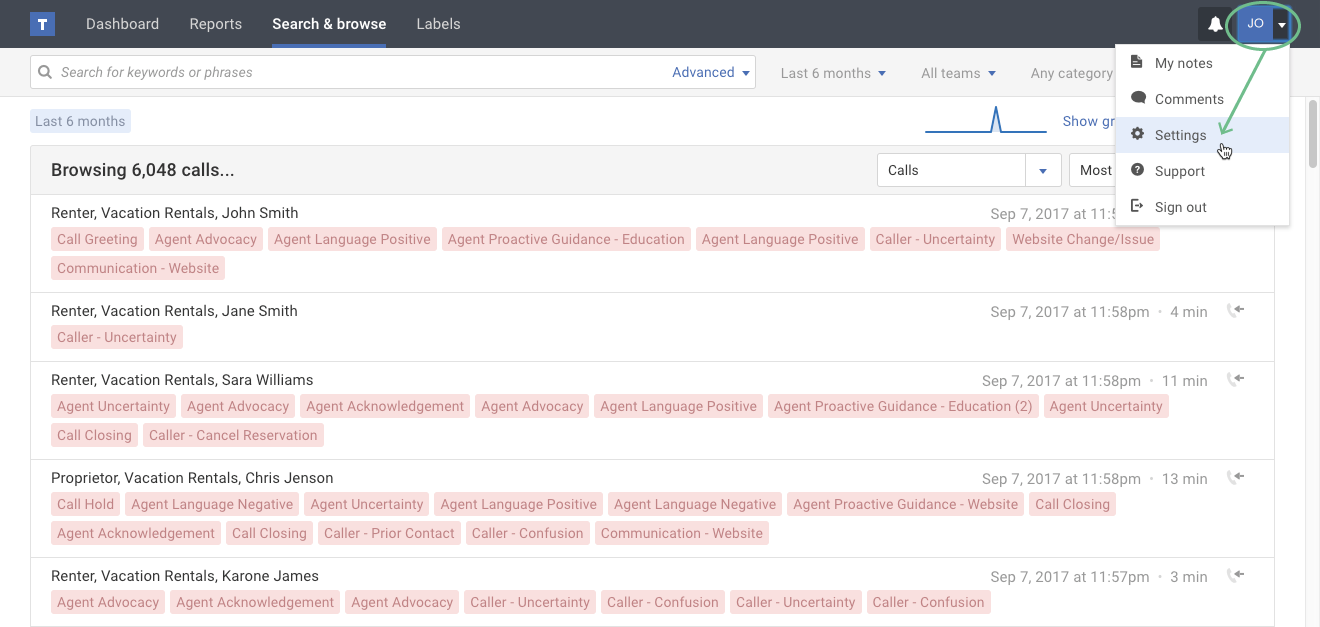
- If you're not already viewing your user profile page, click the Settings option in your user menu.
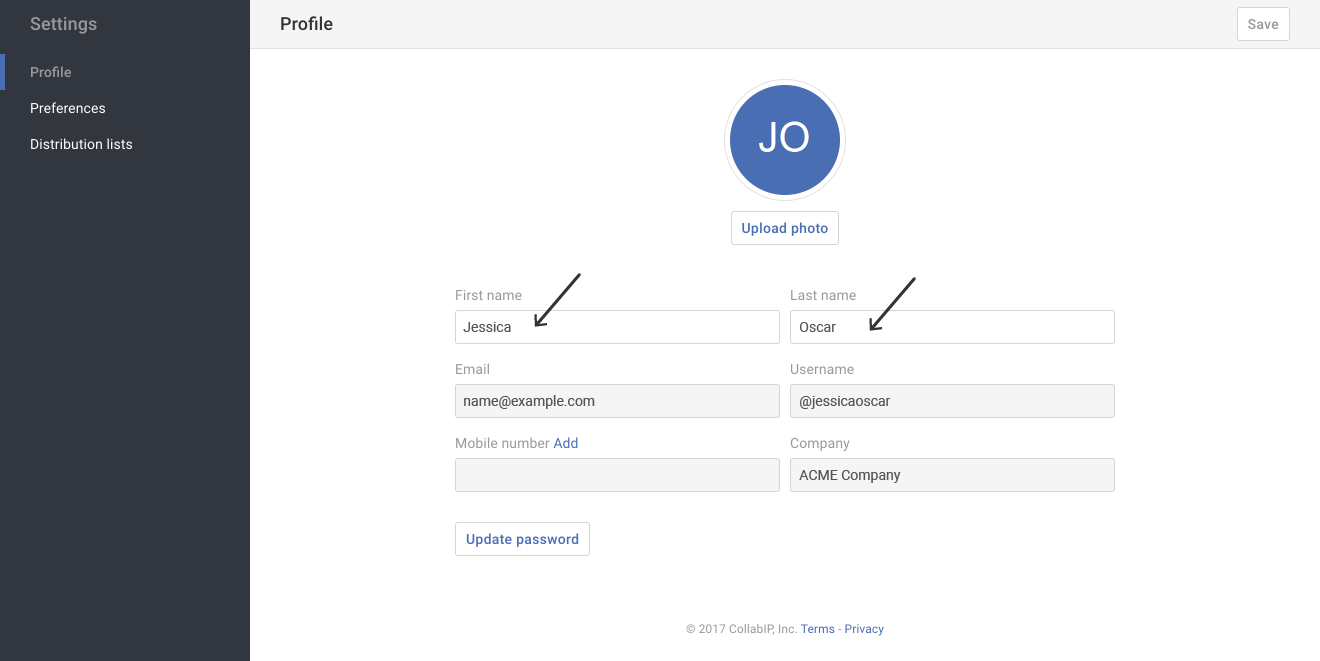
- Make changes as needed to your First name or Last name.
Tip: Please contact your Creovai admin if you need corrections made to your email or username.
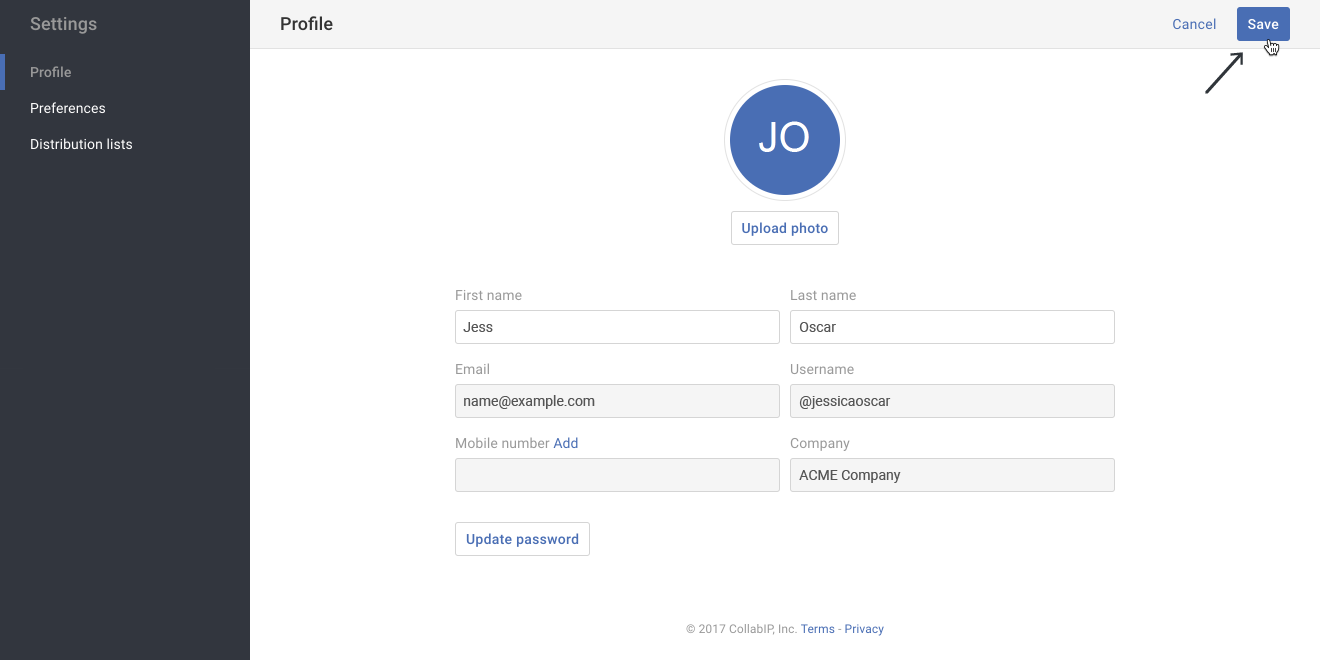
- When you have finished making changes, click the Save button.