Deleting a note or comment
Overview:
Delete one of your notes or comments on a call.
Getting started: If you’re not already viewing a call, first click on a call in Search & browse or from one of your Reports.
Delete a private note:
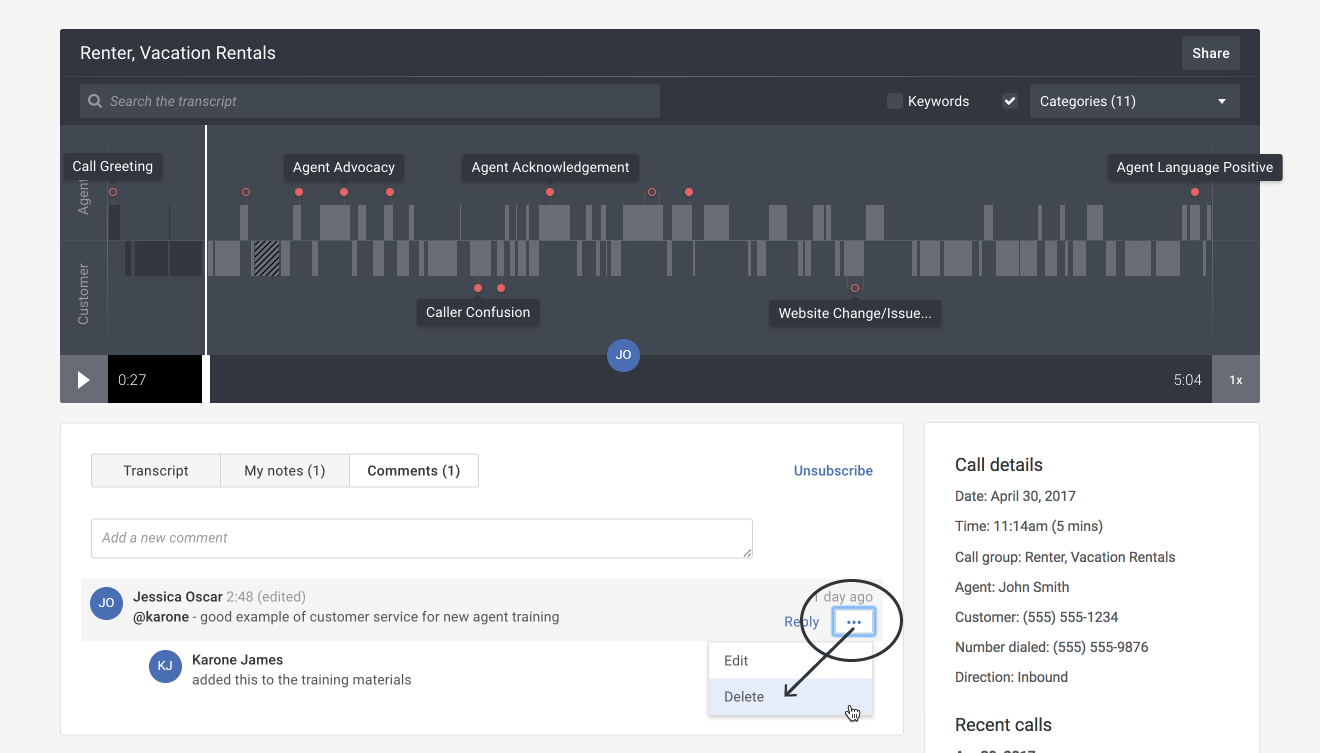
- Hover your mouse over the note and then click the More actions ( ••• ) button. Select the Delete option in the drop-down menu.
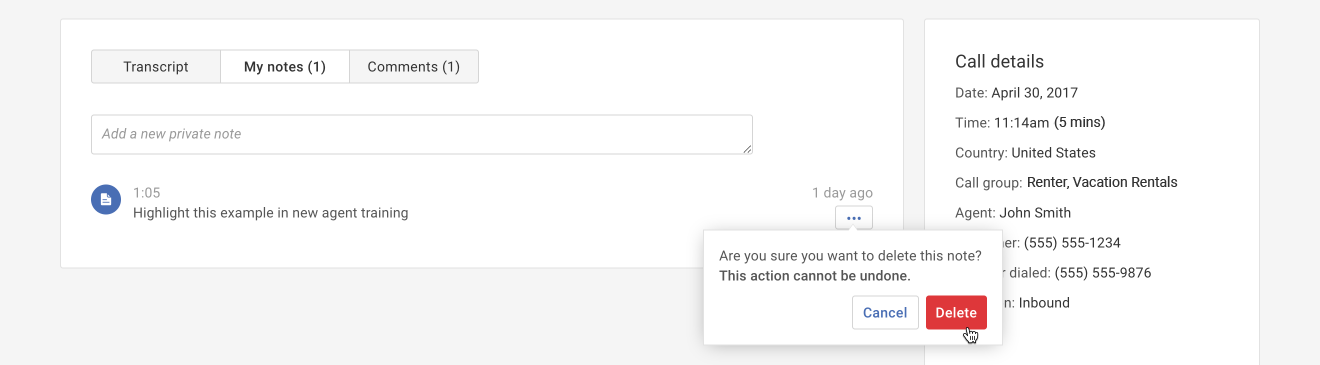
2. A pop-up appears to confirm that you want to delete the note. Click the Delete button to confirm the deletion.
Please be aware that deleting a note cannot be undone.
Delete a public comment:
- Hover your mouse over the note and then click the More actions ( ••• ) button. Select the Delete option in the drop-down menu.
Important Note: You can only delete comments created by you.
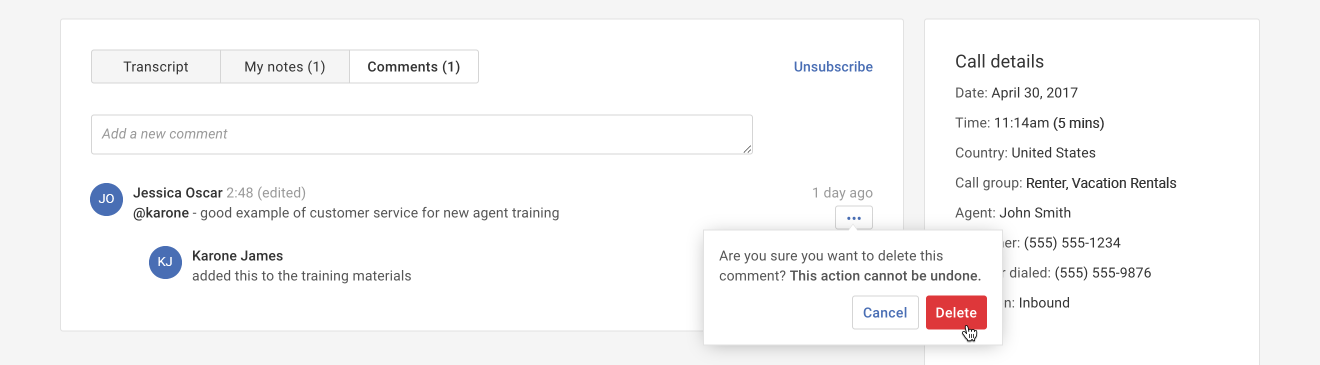
- A pop-up appears to confirm that you want to delete the comment. Click the Delete button to confirm the deletion.
Please be aware that deleting a comment cannot be undone.