Renaming a label
Overview:
Rename one of your private labels.
Getting started: If you’re not already viewing your labels, first click on the Labels tab.
Rename a private label:
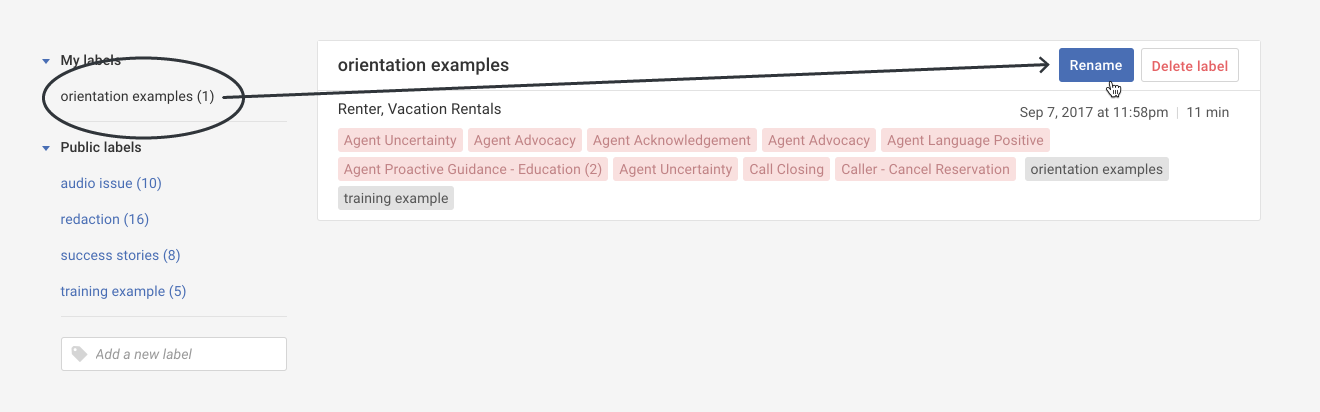
- Select the label you'd like to rename, and then click the Rename button.
- In the pop-up, change your label name and then click the Save button.