Deleting a dashboard
Overview:
Delete an existing dashboard.
Delete an existing dashboard:
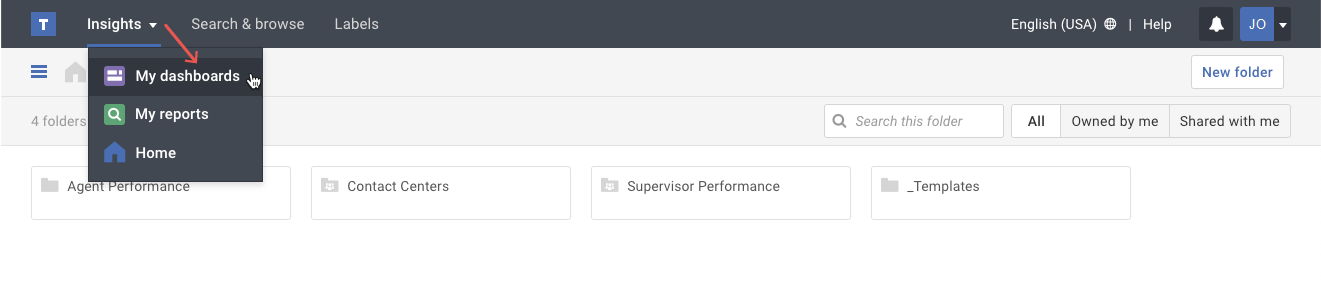
- Click on the My dashboards option in the Insights menu.
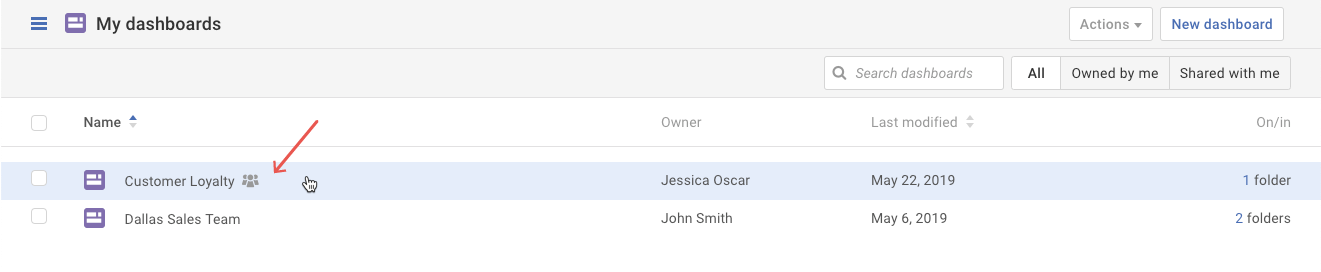
- Select the dashboard you want to delete.
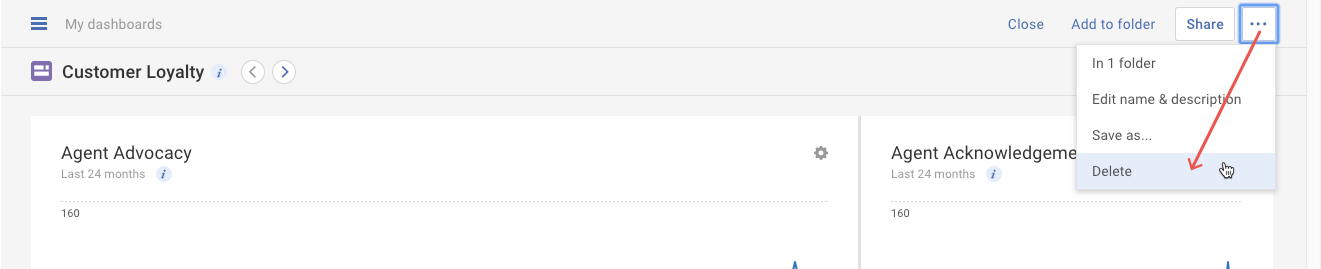
- Click on the More actions ( ••• ) button. Select the Delete option in the drop-down menu.
- A pop-up appears to confirm that you want to delete the dashboard. Click the Delete button to confirm the deletion. Please be aware that deleting a dashboard cannot be undone.
Note: If you’re deleting a dashboard that is shared with others, the dashboard will be removed from their list automatically without any notifications.