Copying a dashboard
Overview:
Make a duplicate copy of an existing dashboard.
Copy an existing dashboard:
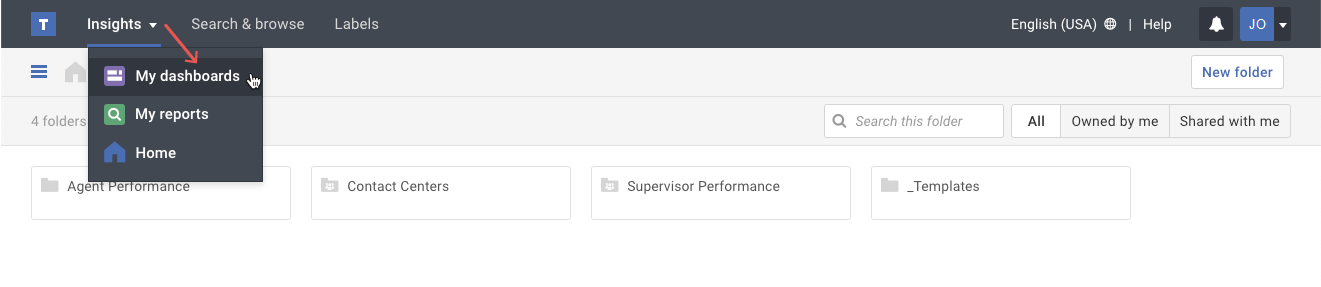
- Click on the My dashboards option in the Insights menu.
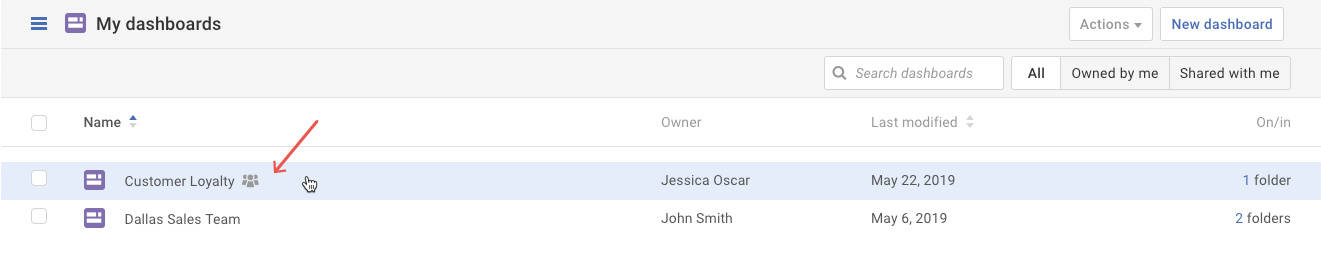
- Select the dashboard you want to copy.
- Click on the More actions ( ••• ) button. Select the Save as… option in the drop-down menu.
- In the pop-up, type the new dashboard name and then click the Save button.
Important Note: Copying a dashboard will make a private copy for you. It will not retain the shared members. After creating the duplicate dashboard, you can share the new dashboard with others.