Adding a new dashboard
Overview:
Learn how to add a new dashboard.
Add a new dashboard:
- Select the My dashboards option in the Insights menu.
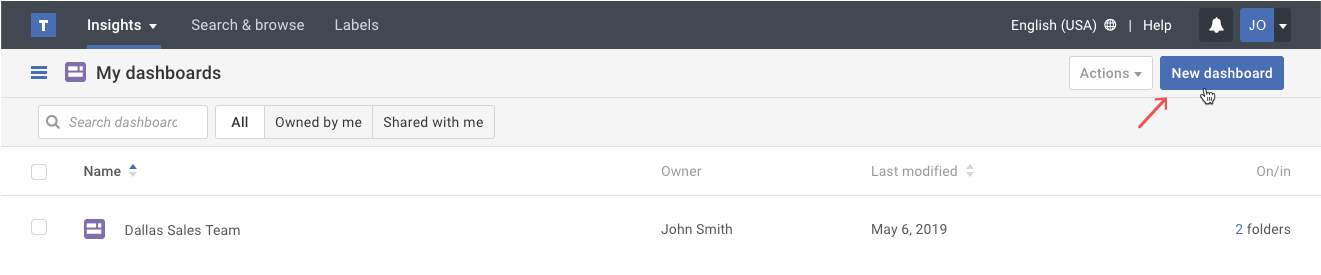
- Click on the New dashboard button.
- In the pop-up, do the following:
a.) Type a new Dashboard name,
b.) Add an optional description of the dashboard, and
c.) Click the Create button.Tip: The dashboard description will appear whenever you hover over the information icon next to the dashboard name.